What Causes a Rear Windshield to Shatter Without Warning?
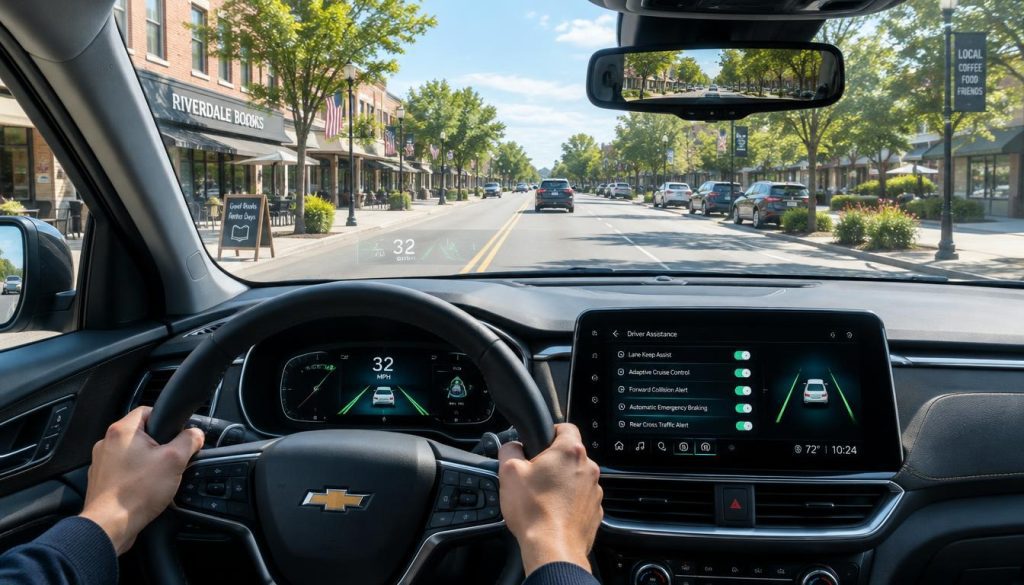
ADAS is a group of in-vehicle technologies that warn you about hazards or assist with braking, steering, or speed while you remain responsible for driving. Some features rely on a camera mounted near your windshield.
These tools can help you notice risks during a busy commute, but they do not take over the driving task. The windshield matters most when a camera behind the glass supplies information to a safety feature.
Key Takeaways
- ADAS can warn you or assist with a driving task.
- You remain responsible for watching the road and controlling your vehicle.
- A camera near the windshield supports some forward-facing features.
- Other features may use radar, ultrasonic sensors, or several inputs.
- Windshield damage or glass work can affect a camera’s view or position.
What Is ADAS?
ADAS stands for Advanced Driver Assistance Systems, a group of technologies that can warn you about hazards or assist with specific driving tasks. Assistance means the vehicle can support a task, not take responsibility for the trip.
These advanced driver assistance technologies detect parts of the vehicle’s surroundings, warn the driver, or help with a control task. Every vehicle currently for sale in the United States requires your full attention for safe operation, NHTSA says.
That means driver assistance systems are not the same as autonomous driving. A warning or steering aid does not make your vehicle hands-free or self-driving.
Some features act only for a moment, while others can manage speed or steering for a time. Their limits and controls differ by vehicle, feature, and driving condition.
Read the feature name and limits in your owner’s manual before relying on it. Treat an assistance feature as support for your attention, not a replacement for it.
How Do ADAS Systems Work?
An ADAS feature works by sensing a condition around your vehicle, interpreting the information, and then warning you or assisting with a response. Sensor fusion means combining inputs from multiple sensors to build a fuller picture of the vehicle’s surroundings.
Systems detect objects or lane markings, interpret the data, then alert you or signal vehicle controls. Different features may use one sensor or combine several inputs.
Sensors Capture the Road Scene
Cameras capture visual information, such as lane lines and nearby vehicles. Radar detects object distance and speed, while ultrasonic sensors detect objects close to your vehicle.
- Camera: captures visual details, including road markings.
- Radar: detects the distance and speed of objects.
- Ultrasonic sensors: detect nearby obstacles at low distances.
Lidar is another sensor type. It uses laser pulses to map the area around your vehicle.
Software Selects a Response
After detection, software interprets data and selects a response. It may send an alert, apply braking, or signal steering controls.
For example, a forward-facing feature may use camera data to read lane markings. Another feature may combine camera and radar inputs to assess a hazard ahead.
Sensor fusion can help create a fuller view, but features do not all use inputs in the same way. ISO 26262 is a functional safety standard for vehicle electrical and electronic systems.
The standard addresses safety in the design of those systems, not a promise that every sensor will work in every condition. A sensor can only support a decision when its input is available and interpreted correctly.
Which ADAS Features Depend on the Windshield?
A windshield camera can support features that read lane markings or detect hazards ahead, but not every ADAS feature depends on that camera. Camera-based features may warn you, brake, or assist with steering.
An example of ADAS is automatic emergency braking, which can apply the brakes when a forward collision is imminent. Forward collision warning alerts you to a possible crash, but does not itself apply the brakes.
Forward-Facing Camera Features
Lane departure warning uses a camera to monitor lane markings and alert you when you drift. It does not steer your vehicle back into the lane.
Features That Use Other Sensors Too
Lane-centering assist provides ongoing steering to help keep your vehicle centered. Adaptive cruise control adjusts speed to maintain a preset distance from the vehicle ahead.
Adaptive cruise control and blind-spot detection can use other sensor inputs too. The role of a feature depends on its design and the vehicle’s equipment.
| Feature | Camera’s role | Driver response or vehicle action | Key distinction |
|---|---|---|---|
| Forward collision warning | May detect hazards ahead | Alerts the driver | Warning, not automatic braking |
| Automatic emergency braking | May help detect a forward hazard | Applies brakes for an imminent collision | Can brake, not just warn |
| Lane departure warning | Monitors lane markings | Alerts the driver to drift | Does not steer back |
| Lane-centering assist | May help track lane position | Provides continual steering | Steers to help keep the vehicle centered |
Check the feature name in your owner’s manual before assuming a warning system can steer or brake for you.
The Six Levels of Driving Automation
The automation levels describe how much of the driving task the system handles and what responsibility stays with you. Levels 0-2 still require you to drive and monitor the road.
Levels 3-5 describe systems that can drive under set conditions or across all conditions. NHTSA says Level 3-5 technologies are not available for consumer purchase on today’s vehicles.
The levels describe driving responsibility, not a simple ranking of feature quality. A lower level does not mean a feature is poorly made.
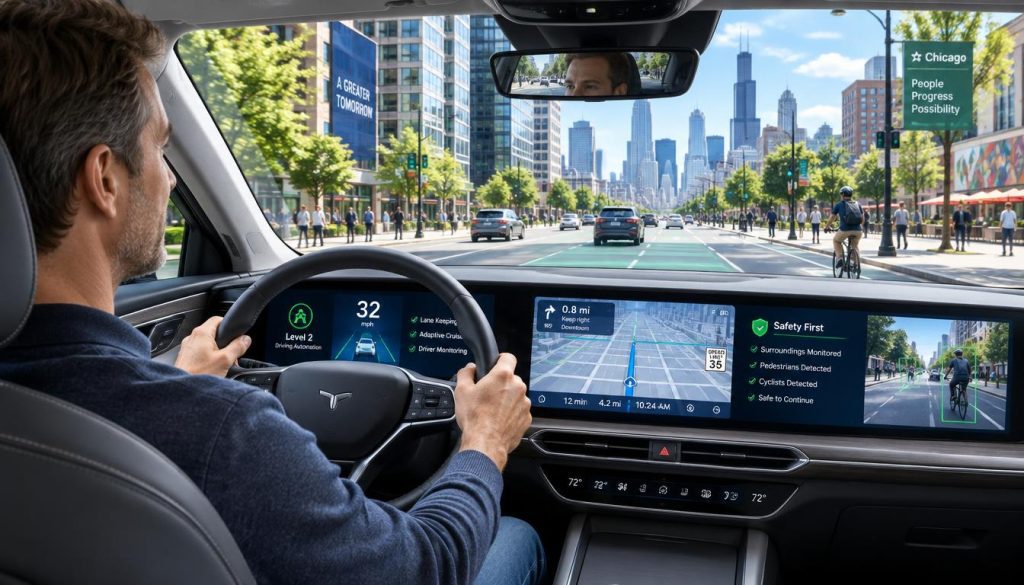
Level 2 automation can assist with steering and speed, but the driver must stay attentive and monitor the road.
| Level | What the system does | Driver’s role | Example or availability |
|---|---|---|---|
| 0 | Momentary assistance | Drives and monitors | Automatic emergency braking, forward collision warning |
| 1 | Continuous speed control or steering | Drives and monitors | Adaptive cruise control or lane-keeping assistance |
| 2 | Continuous speed control and steering | Drives and monitors continuously | Highway pilot |
| 3 | Conditional automation | Available to take over when asked | Not available for consumer purchase today |
| 4 | Drives in limited service areas | Not required to operate the vehicle | Not available for consumer purchase today |
| 5 | Drives on all roads and conditions | Not required to operate the vehicle | Not available for consumer purchase today |
A Level 2 feature still requires you to drive and monitor continuously.
What Safety Benefits Can ADAS Offer?
ADAS can reduce some crash types and crash severity, but its effect depends on the feature and the outcome being measured. Crash reduction does not mean crash elimination.
Systems that pair forward collision warning with automatic braking cut rear-end crashes in half. Forward collision warning alone reduces those crashes by 27%.
Crash Prevention and Injury Outcomes
Automatic braking systems that recognize pedestrians cut pedestrian crashes by 27%. Front crash prevention with automatic braking has larger effects on injury crashes than on rear-end crashes of all severities.
Lane departure warning has not reduced insurance claim rates. It has reduced police-reported single-vehicle, sideswipe, and head-on crashes.
In 2024, 39,254 people died in U.S. motor vehicle crashes. In track testing, a 2013 Mercedes-Benz C-Class system cut impact speed by 13 mph.
An IIHS demonstration crash showed the value of lower impact speed. Reducing speed from 25 mph to 12 mph cut damage to a 2012 Chevrolet Malibu from about $28,000 to $5,700.
Better-rated front crash prevention systems are linked to larger drops in collision, property damage liability, and bodily injury liability claims.
U.S. Requirements and Adoption
By the 2023 deadline, 20 automakers representing 99% of U.S. light-vehicle sales affirmed that at least 95% of their prior-year vehicles weighing 8,500 pounds or less had front crash prevention.
The voluntary automaker commitment called for front crash prevention on vehicles weighing up to 10,000 pounds by the 2026 model year.
A 2024 NHTSA rule requires front crash prevention on nearly all new vehicles with a gross vehicle weight rating of 10,000 pounds or less by September 2029.
Under the rule, systems must warn and automatically brake for a vehicle ahead at speeds up to 90 mph. They must detect pedestrians at speeds up to 45 mph, in daylight and darkness.
A safety-system rating and its tested performance are more useful than assuming every feature prevents every crash.
Windshield Damage and ADAS: What to Check
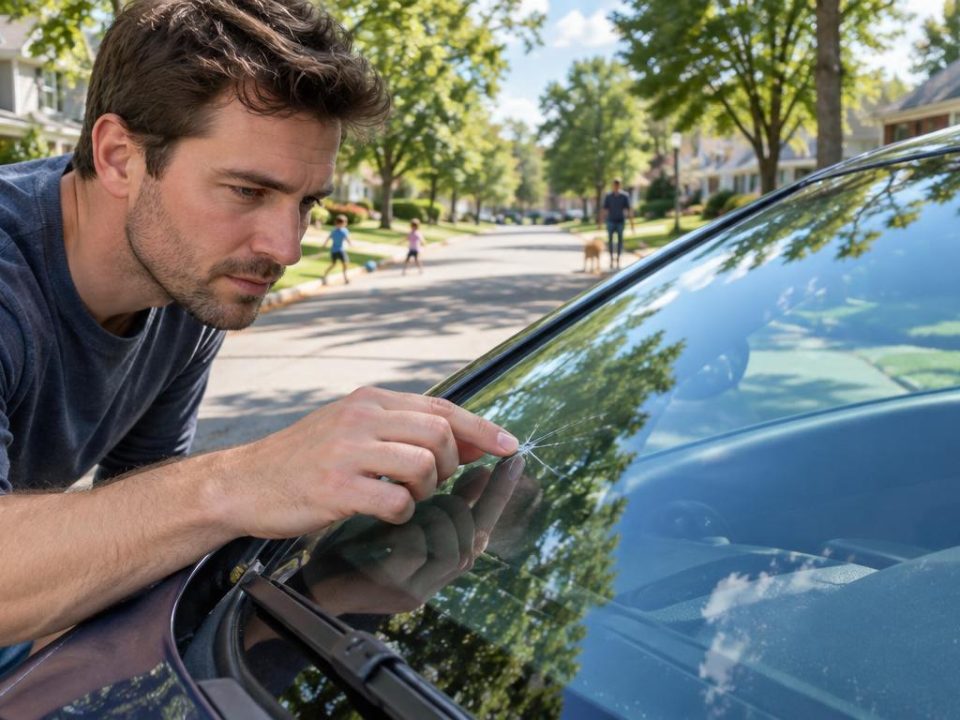
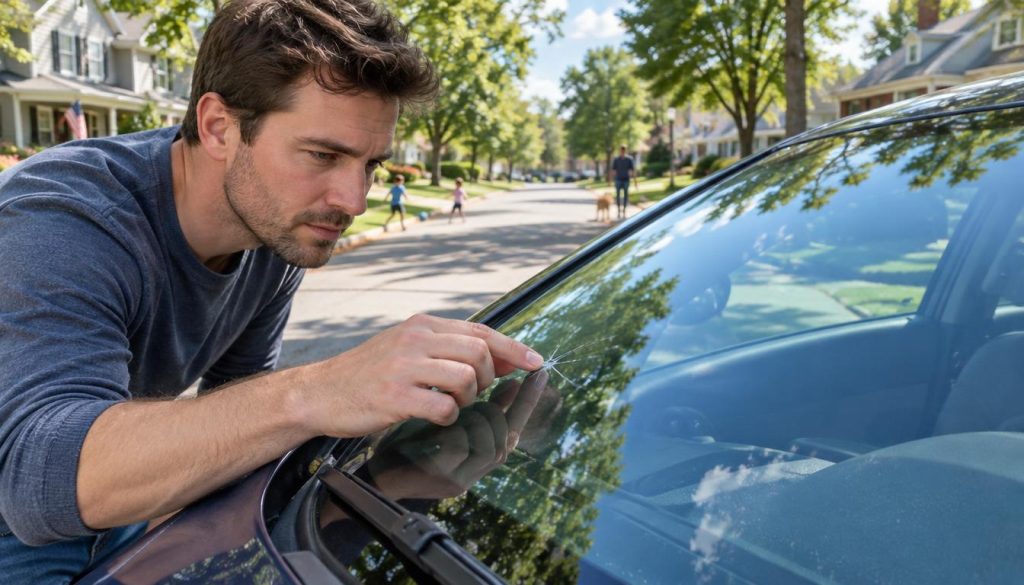
A windshield problem near a forward-facing ADAS camera can matter because the camera needs a clear, correctly positioned view. Damage near its viewing area can affect what the camera sees.
A crack, obstruction, or change in camera position can interfere with its view. A blocked camera may affect assistance systems that use its input.
What Windshield Damage Can Affect
Forward-facing cameras are commonly mounted near the windshield. Damage in the camera’s viewing area can obscure road details, while a changed position can alter its view.
What to Verify After Glass Work
Whether calibration is needed after repair or replacement depends on the vehicle maker’s procedure and the work performed. Ask whether the required inspection or calibration applies to your vehicle.
Use this checklist when damage or glass work may affect a camera:
- Identify the camera’s location near the windshield.
- Describe the damage or any obstruction in its view.
- Confirm whether the vehicle maker requires calibration.
- Check for warning lights or unusual system behavior afterward.
Follow the procedure for your exact vehicle rather than assuming every glass job needs the same calibration.
How to Identify ADAS Features in Your Car
Start with your owner’s manual and the equipment list for your exact model year and trim, since feature names and availability can differ. Trim level matters because two versions of one model may have different equipment.
Check the manual, vehicle settings, and equipment list for the exact trim. These can show whether your vehicle has features such as adaptive cruise control or blind-spot detection.
Find Factory-Installed Features
Look for a camera near the windshield, then search the manual for feature names. Check the vehicle settings for matching controls or alerts.
- Look for a camera near the windshield.
- Search the manual for driver assistance feature names.
- Verify controls or alerts in the vehicle settings.
Understand Retrofit and Dashcam Options
A windshield-mounted aftermarket AI dashcam may provide forward collision warning, lane departure warning, or pedestrian collision warning. These alerts do not make your vehicle autonomous.
Basic aftermarket camera-based warning kits typically cost about $100-$500 before installation. The kit’s features and installation needs affect its price.
A retrofit warning device may not control braking or steering like a factory feature. Check exactly which alert it provides and how it responds to road conditions.
Confirm that an aftermarket device provides the specific warning you want before treating it as a substitute for factory equipment.
Conclusion
ADAS can support safer driving, but you remain responsible for paying attention to the road. Camera visibility and the correct vehicle-specific procedure matter when glass work may affect an ADAS camera.
After windshield or other glass damage, ask what steps apply to your vehicle before relying on camera-based features. Choose a glass service that can address the damage and the vehicle’s required procedure.
Hire Miracle Auto Glass to fix your windshield or other glass damage. Call (210) 680-2551 or visit 6730 Poss Rd, San Antonio, TX 78238.